

Minecraft Server Icon Maker
Create a sharp 64 × 64 Minecraft server icon for the in-game multiplayer list. Browse a wide range of original designs, add your server name or initials, and receive a polished PNG that is ready to use. No design software or experience is required.
- Delivered in Minutes
- Attract More Players
- Top Quality Designs
-

Block Burst Server Icon
Regular price $ 3.99 USDRegular priceUnit price per -

Boxy Server Icon
Regular price $ 3.99 USDRegular priceUnit price per -

Enchanted Book Server Icon
Regular price $ 3.99 USDRegular priceUnit price per -

Block Pop Server Icon
Regular price $ 3.99 USDRegular priceUnit price per -

Ribbon Server Icon
Regular price $ 3.99 USDRegular priceUnit price per -

Bold Server Icon
Regular price $ 3.99 USDRegular priceUnit price per -

Artifact Server Icon
Regular price $ 3.99 USDRegular priceUnit price per -

Ender Server Icon
Regular price $ 3.99 USDRegular priceUnit price per -

Grass Block Server Icon
Regular price $ 3.99 USDRegular priceUnit price per -

Nature Server Icon
Regular price $ 3.99 USDRegular priceUnit price per -

Wildheart Server Icon
Regular price $ 3.99 USDRegular priceUnit price per -

Icy Server Icon
Regular price $ 3.99 USDRegular priceUnit price per -

Nether Portal Server Icon Photoshop File
Photoshop RequiredRegular price $ 2.99 USDRegular priceUnit price per$ 2.99 USDSale price $ 2.99 USD -

Forge Server Icon
Regular price $ 3.99 USDRegular priceUnit price per -

Gem Server Icon
Regular price $ 3.99 USDRegular priceUnit price per -

Skyblock (With Text) Server Icon
Regular price $ 3.99 USDRegular priceUnit price per


Create Your Server Icon
-
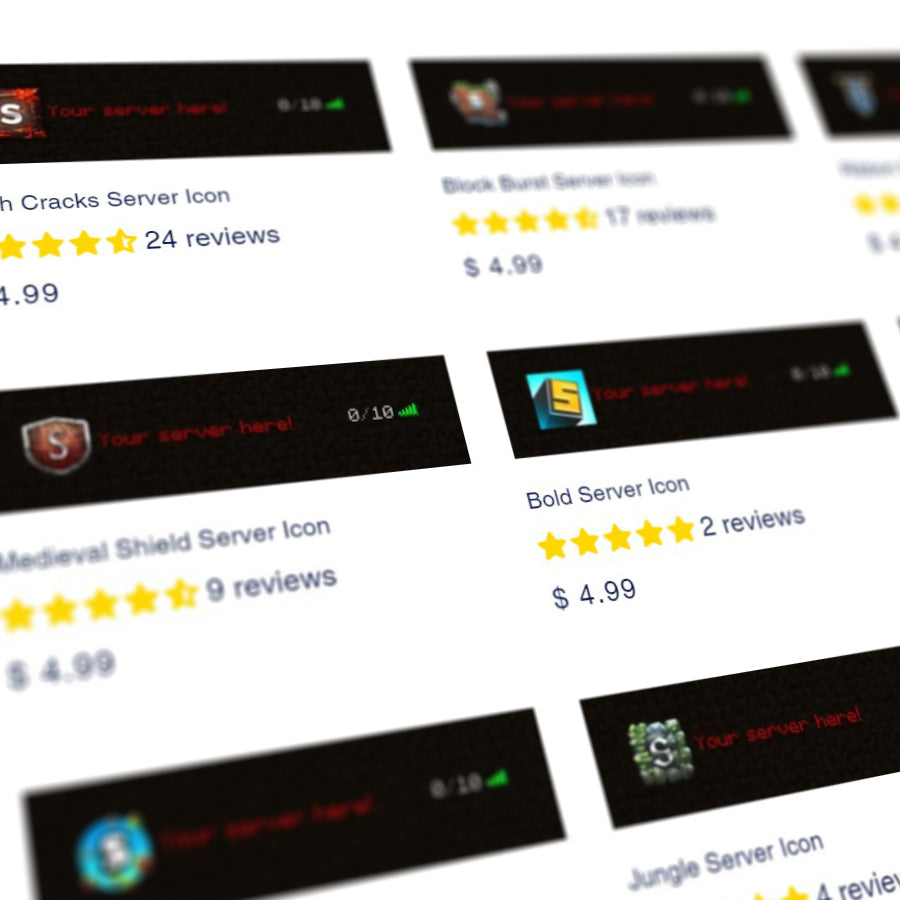
Choose an Icon Template
-
Type Your Text
-
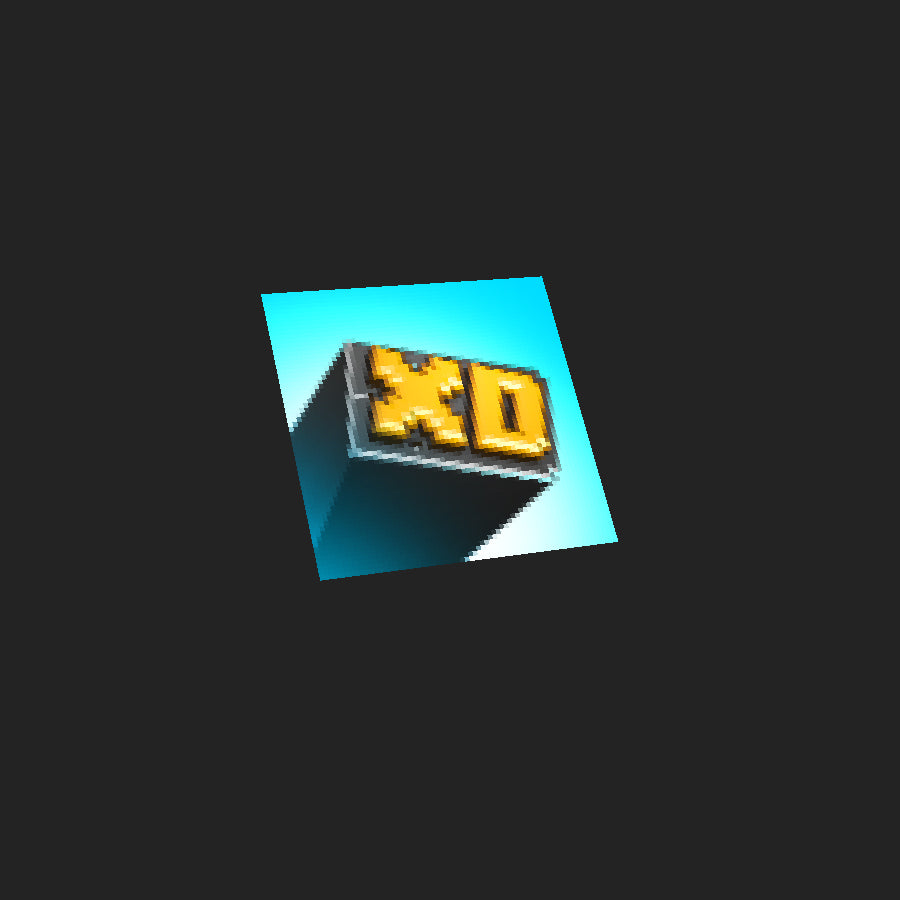
We Create Your Server Icon
