
YouTube Banner Maker
Create polished YouTube channel art without design software. Choose a 2560 × 1440 gaming banner template, select your colors, add your channel name, and receive a finished PNG ready to upload. Pair it with a matching profile picture to give your channel a consistent visual identity.
- Perfect for YouTube Channels
- Top Quality Designs
- Delivered in Minutes
-

Gamer YouTube Channel Banner
Regular price $ 4.99 USDRegular priceUnit price per -

Luster YouTube Channel Banner
Regular price $ 4.99 USDRegular priceUnit price per -

Juggernaut YouTube Channel Banner
Regular price $ 4.99 USDRegular priceUnit price per -

Electrified YouTube Channel Banner
Regular price $ 4.99 USDRegular priceUnit price per -

Synthwave YouTube Channel Banner
Regular price $ 4.99 USDRegular priceUnit price per -

Y2K YouTube Channel Banner
Regular price $ 4.99 USDRegular priceUnit price per -

Summit YouTube Channel Banner
Regular price $ 4.99 USDRegular priceUnit price per -

Starry Night YouTube Channel Banner
Regular price $ 4.99 USDRegular priceUnit price per -

Submerged YouTube Channel Banner
Regular price $ 4.99 USDRegular priceUnit price per


How to Create a YouTube Channel Banner
-
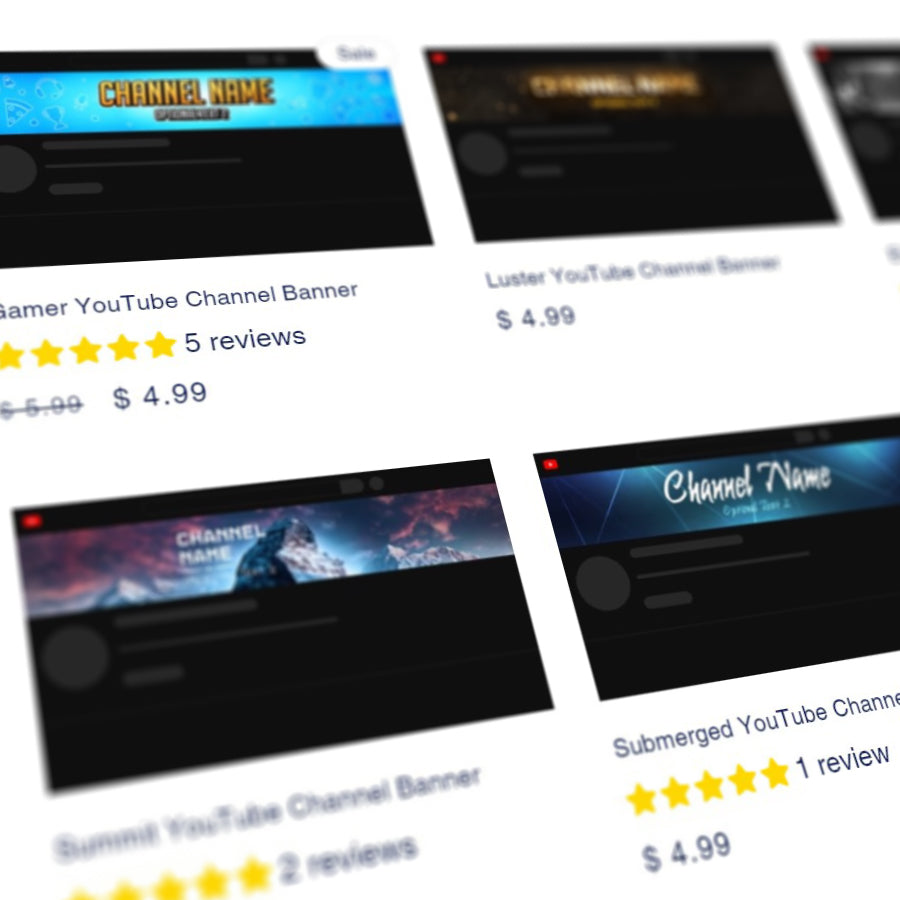
Choose a Template
-
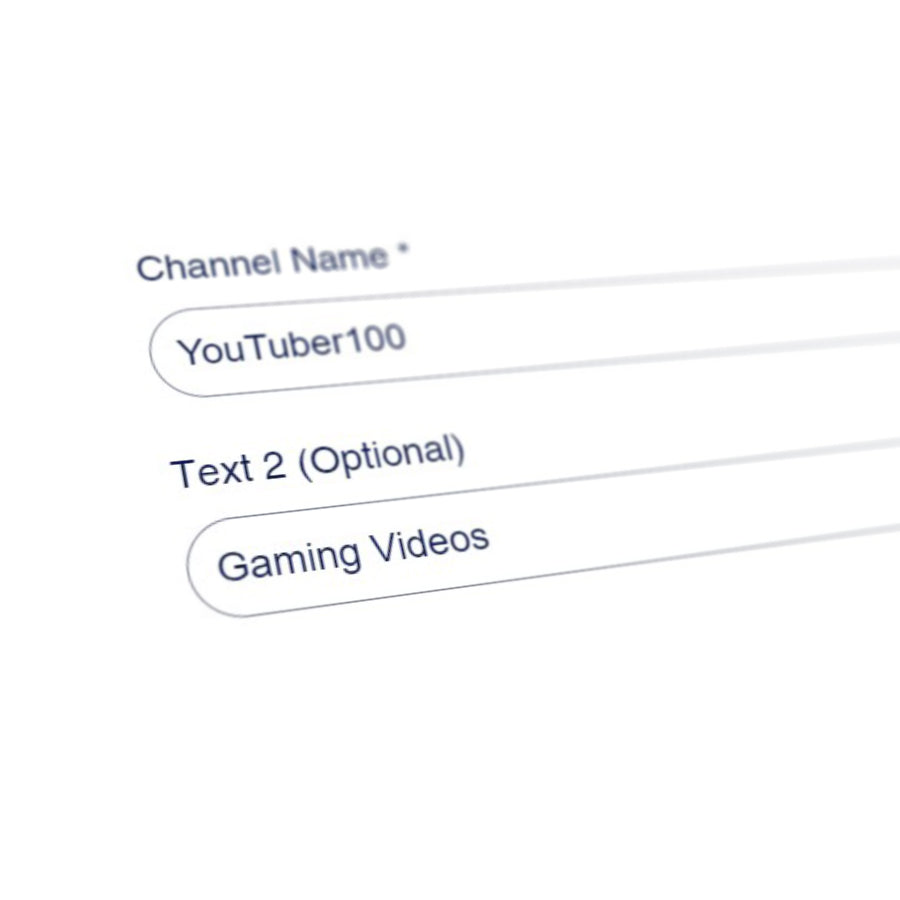
Type Your Text
-
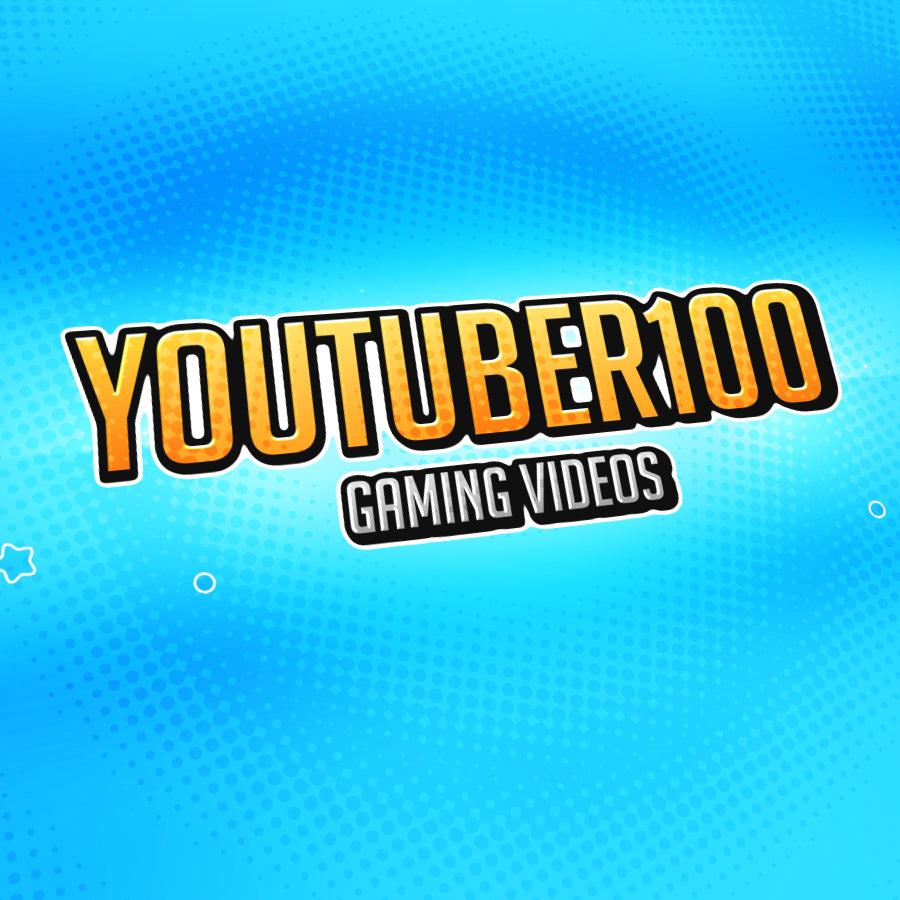
We Create Your Channel Art
