

Discord PFP Maker
Give your Discord profile a look that feels like yours. Browse dozens of static and animated designs developed across years of releases, then personalize a favorite with your name, initials, logo or colors. Your finished PNG or GIF arrives ready to use as a Discord profile picture.
- Multiple Color Options
- Animated & Static Options
- Delivered in Minutes
-
 Save 29%
Color Spill Profile Picture
Regular price $ 4.99 USDRegular priceUnit price per$ 6.99 USDSale price $ 4.99 USD -
 Save 29%
Split Profile Picture
Regular price $ 4.99 USDRegular priceUnit price per$ 6.99 USDSale price $ 4.99 USD -
 Save 29%
Archive Profile Picture
Regular price $ 4.99 USDRegular priceUnit price per$ 6.99 USDSale price $ 4.99 USD -
 Save 29%
Glitch Profile Picture
Regular price $ 4.99 USDRegular priceUnit price per$ 6.99 USDSale price $ 4.99 USD -
 Save 29%
Slime Profile Picture
Regular price $ 4.99 USDRegular priceUnit price per$ 6.99 USDSale price $ 4.99 USD -
 Save 29%
Ember Profile Picture
Regular price $ 4.99 USDRegular priceUnit price per$ 6.99 USDSale price $ 4.99 USD -
 Save 29%
Retro Profile Picture
Regular price $ 4.99 USDRegular priceUnit price per$ 6.99 USDSale price $ 4.99 USD -
 Save 29%
Crown Profile Picture
Regular price $ 4.99 USDRegular priceUnit price per$ 6.99 USDSale price $ 4.99 USD -
 Save 29%
Luster Profile Picture
Regular price $ 4.99 USDRegular priceUnit price per$ 6.99 USDSale price $ 4.99 USD -
 Save 29%
Twisty Profile Picture
Regular price $ 4.99 USDRegular priceUnit price per$ 6.99 USDSale price $ 4.99 USD -
 Save 29%
Apex Profile Picture
Regular price $ 4.99 USDRegular priceUnit price per$ 6.99 USDSale price $ 4.99 USD -
 Save 29%
Firestorm Profile Picture
Regular price $ 4.99 USDRegular priceUnit price per$ 6.99 USDSale price $ 4.99 USD -
 Save 29%
Spectrum Profile Picture
Regular price $ 4.99 USDRegular priceUnit price per$ 6.99 USDSale price $ 4.99 USD -
 Save 29%
Chroma Pulse Profile Picture
Regular price $ 4.99 USDRegular priceUnit price per$ 6.99 USDSale price $ 4.99 USD -
 Save 29%
Signal Lost Profile Picture
Regular price $ 4.99 USDRegular priceUnit price per$ 6.99 USDSale price $ 4.99 USD -
 Save 29%
Glitch Add Your Own Logo Profile Picture
Add Your Own LogoRegular price $ 4.99 USDRegular priceUnit price per$ 6.99 USDSale price $ 4.99 USD


How to Make a Discord PFP
-
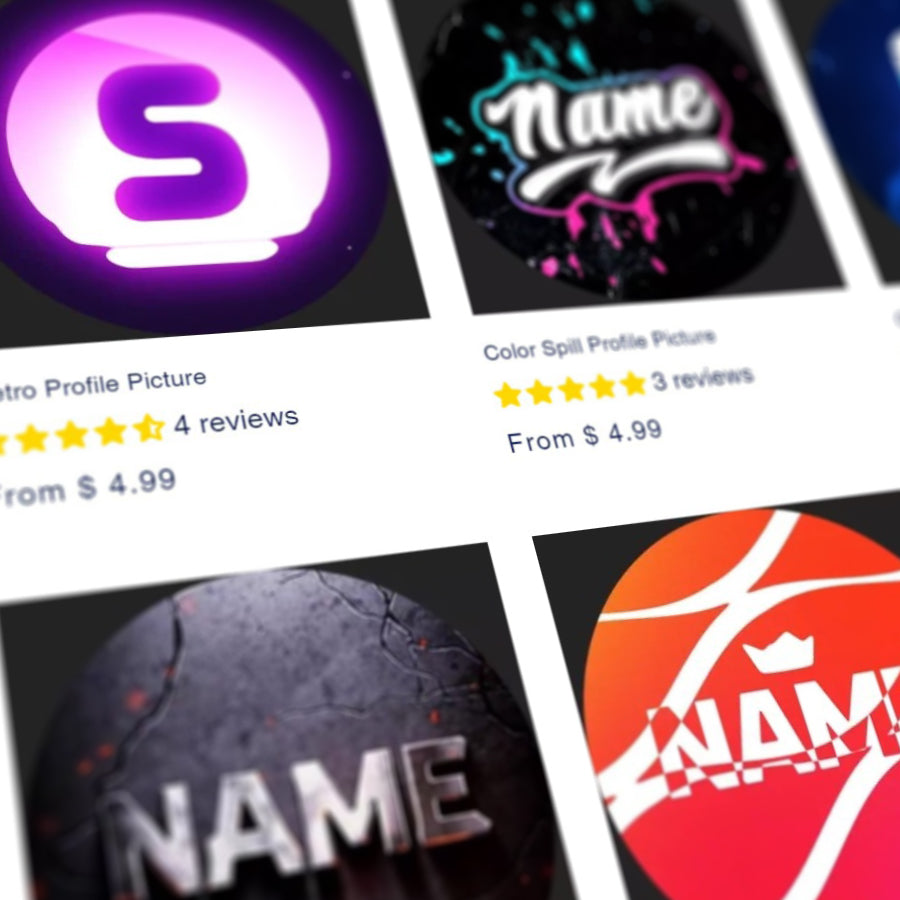
Choose a PFP Template
-
Type Your Text
-
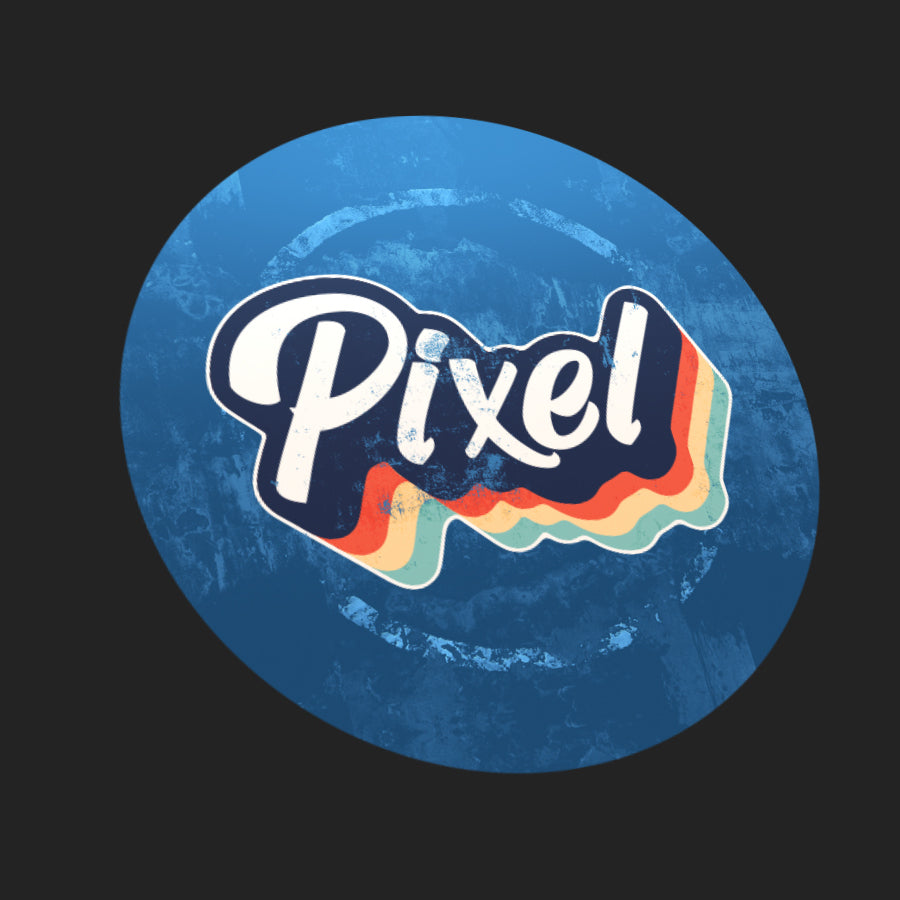
We Make Your Profile Picture
