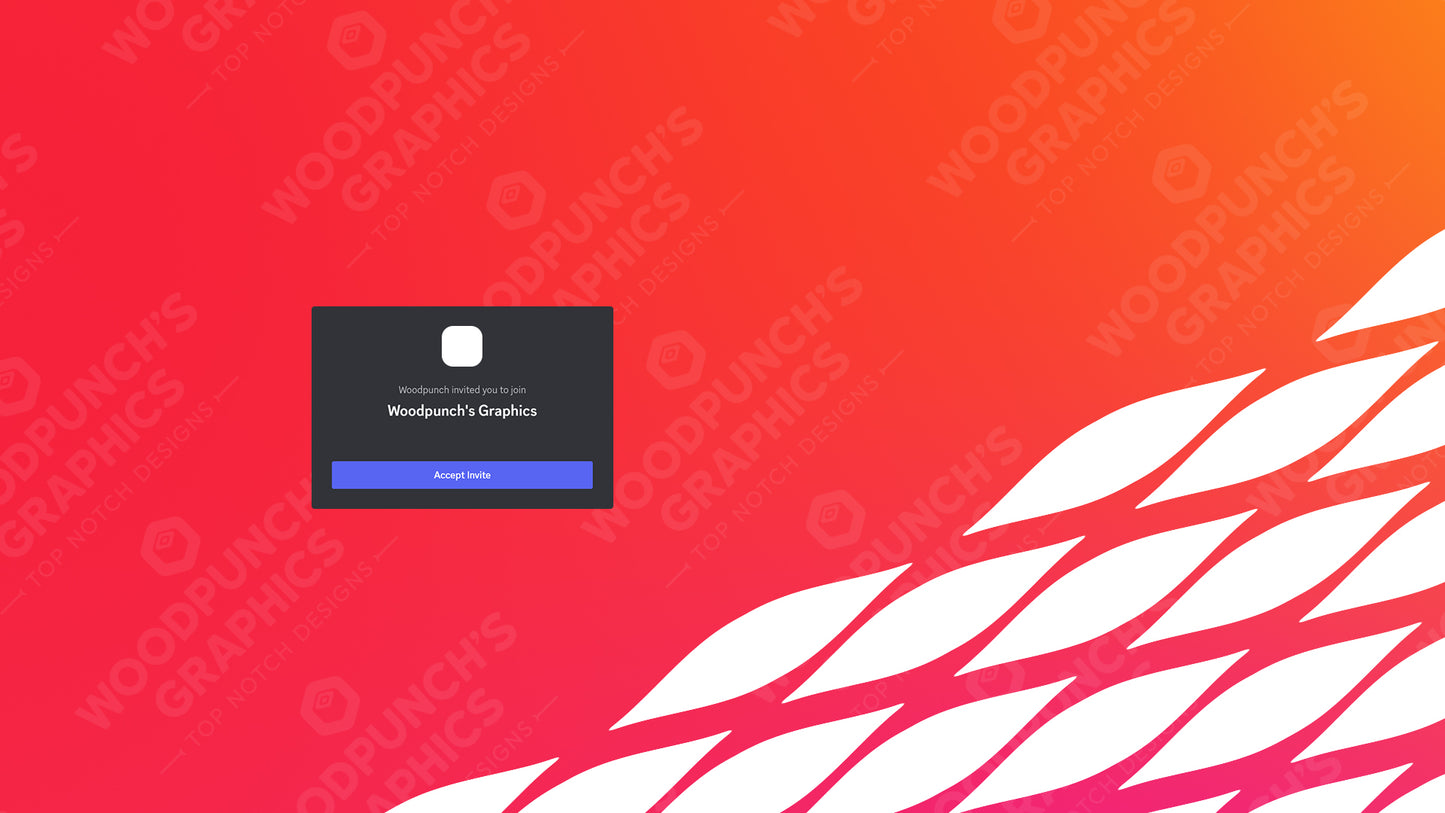
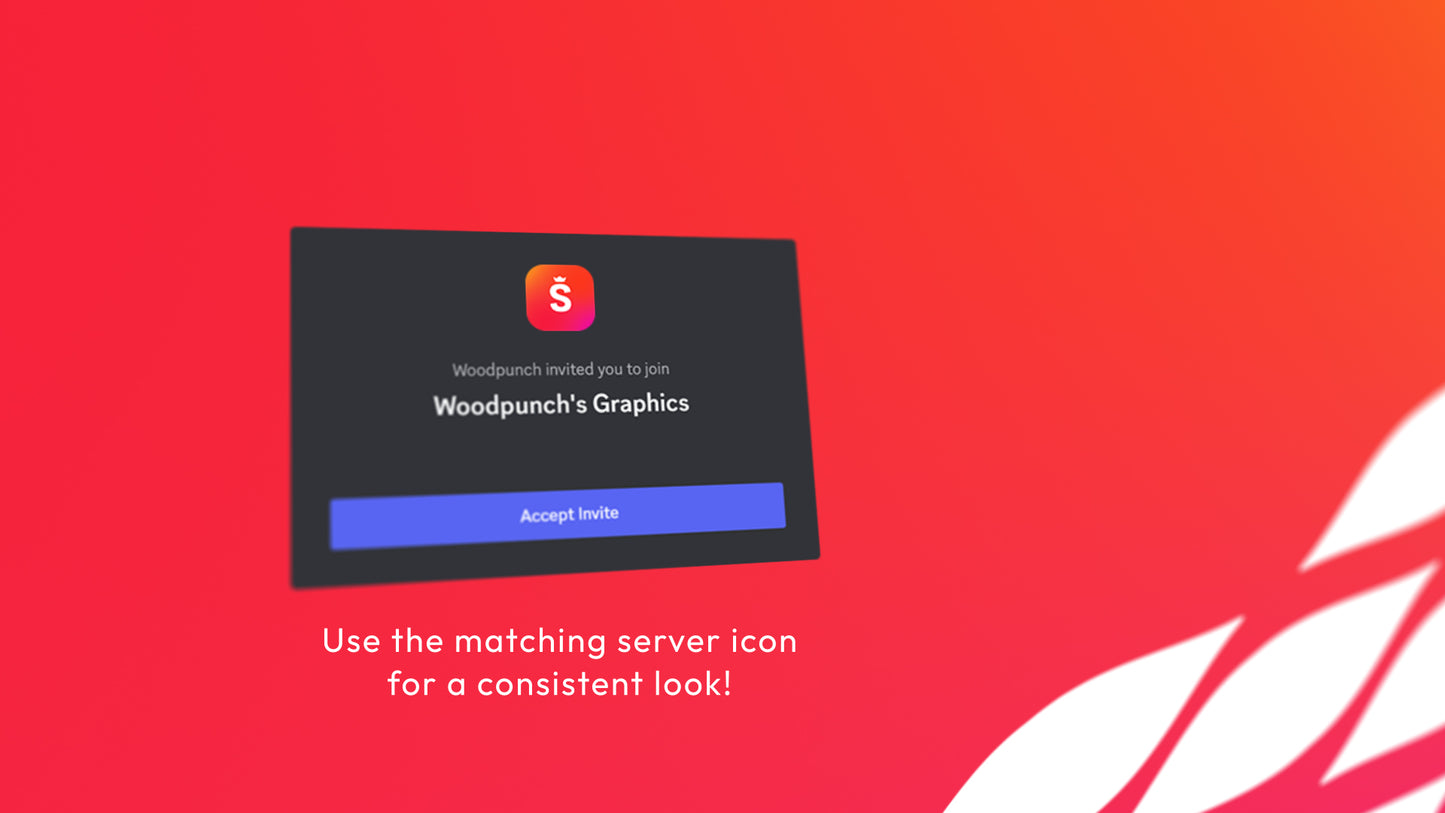
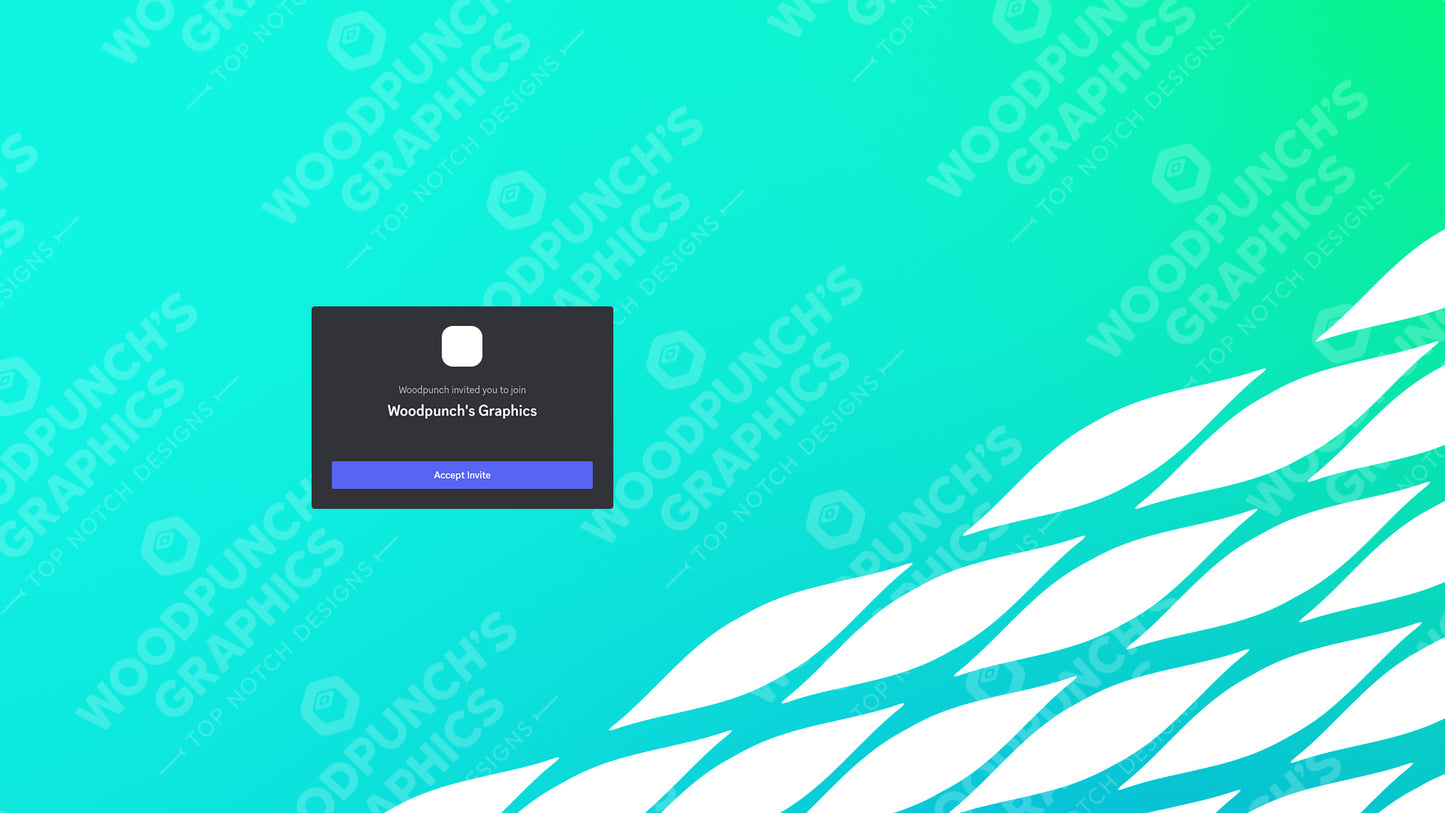
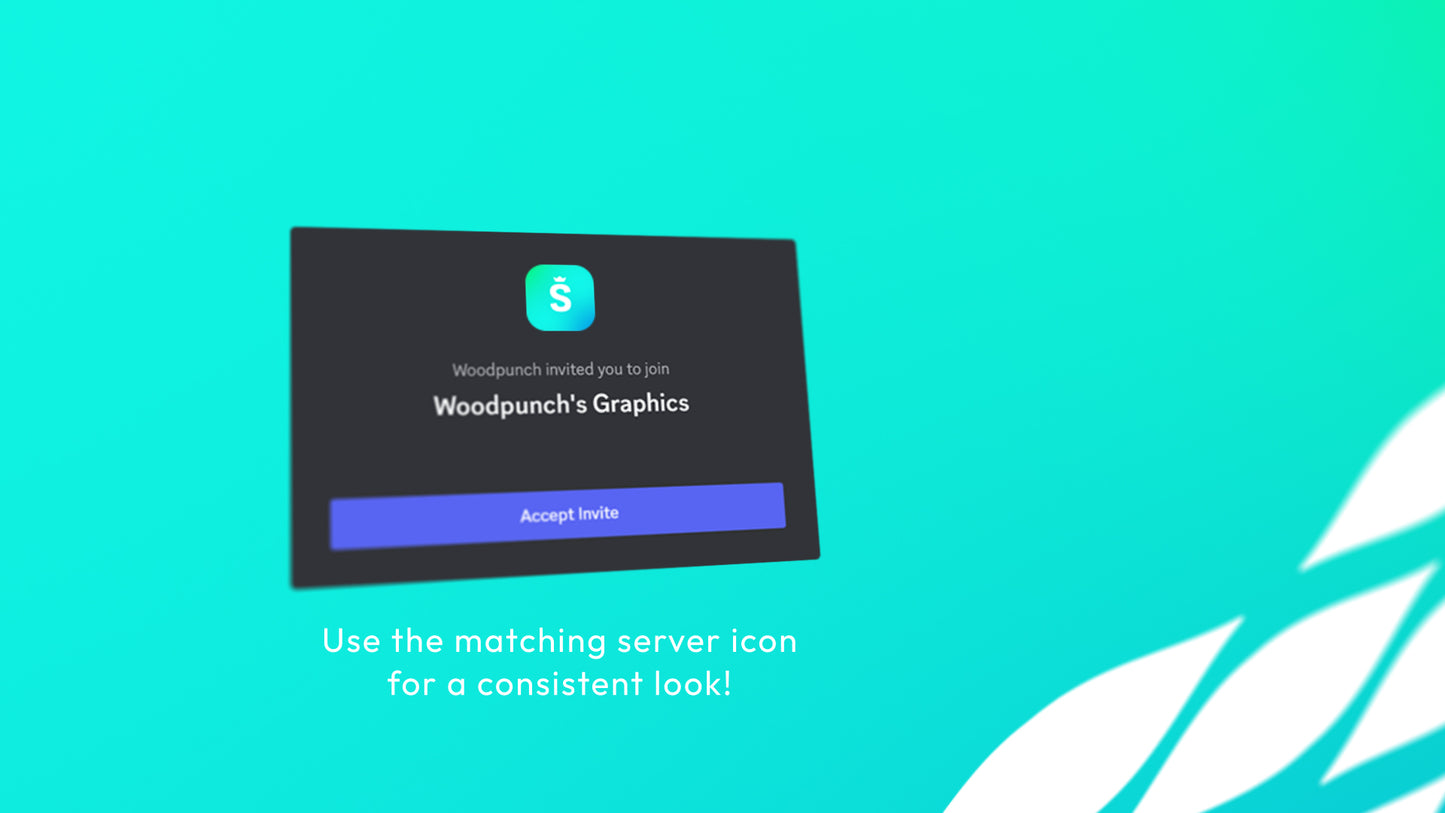
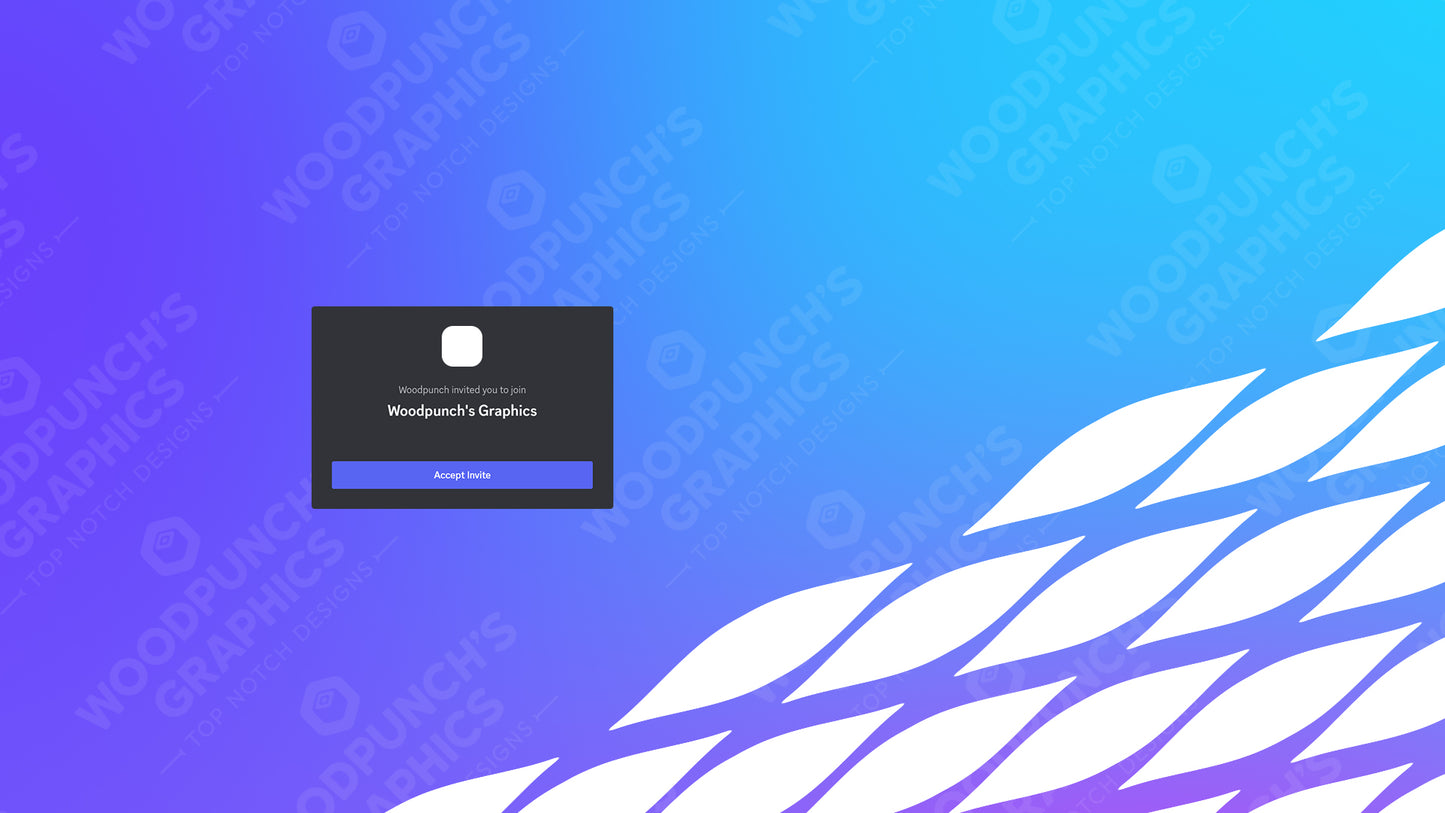
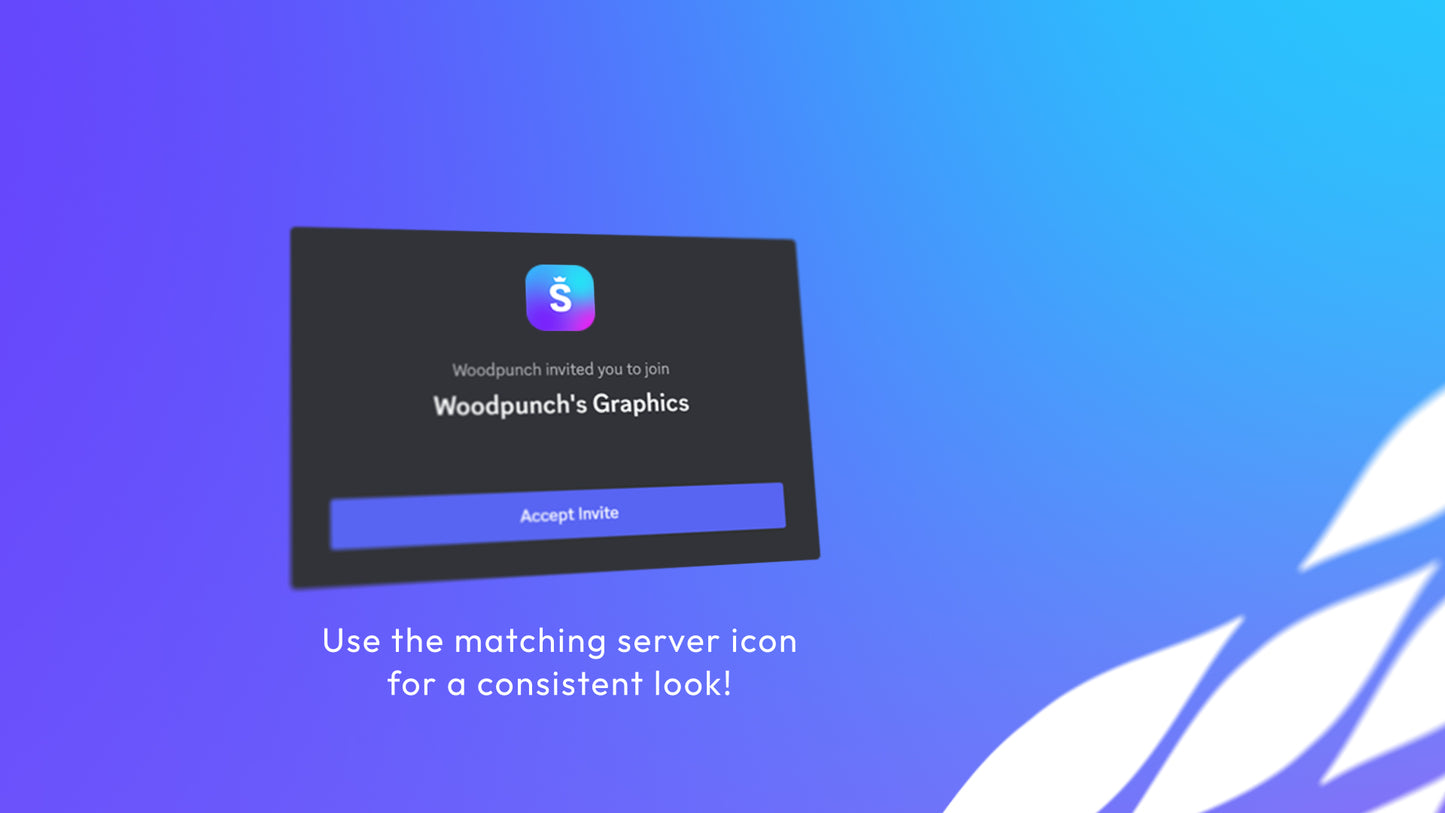
Make a strong impression on your server invite with this sleek server invite background! Use the matching server icon for a consistent look across your server's branding!
Personalized graphics such as banners, logos, and profile graphics are usually delivered to the email on your order within 1–15 minutes after payment is confirmed. Instant downloads are available immediately after checkout. PayPal payment reviews and e-checks can delay when processing starts; no physical item is shipped.
What should I do if my email or download has not arrived?
Wait 15–30 minutes, check your spam or junk folder for an email from contact@woodpunchsgraphics.com, and check the order-status page or your account for download access. If a personalized order is still missing after about an hour, contact us with your order number. Payment reviews can delay processing.
Can I fix a typo or change my text after I order?
Review every field before adding the product to your cart. If you catch a mistake before delivery, contact us promptly with the order number and corrected text. We can often help with a spelling or typo correction, but a full wording change, new design direction, or post-delivery redesign is not included and may require a new order.
What exactly is included with this product?
This is a digital product. The product page’s Graphic information, file-format highlights, selected variant, and options are the source of truth for the files, dimensions, animation, editable sources, and software requirements. If a PSD, AEP, CSH, or other source file is not explicitly listed for your selected option, assume you are receiving the finished digital output only.
Where do I use a Discord invite background?
This product is designed for Discord’s server invite-background or splash setting and is delivered as the format listed on the product page, typically a 1920 × 1080 PNG. Discord controls whether a server can use that setting.
What dimensions should my invite background be?
The current product family is prepared at 1920 × 1080. Use the exact Graphic information on the selected listing and avoid resizing the file before upload so the intended composition stays intact.
Does Discord allow every server to use an invite background?
Invite-background availability depends on Discord’s current server level, partnership, or account requirements. The file is ready for the setting, but Discord determines whether that setting is available to your server.
What text should I put on an invite background?
Use the server name or short welcome message supported by the product form. Long text is scaled to fit and can become less readable, especially on a detailed background.
Can I match this with a server icon or banner?
Many designs belong to a coordinated family, and related products may share the same visual direction. The exact matching products are shown in the product recommendations; an invite background still uses its own Discord-specific dimensions.
Customer reviews
5.0 out of 5 · 1 review
5.0
W
Very Quick, High Quality.
Rayhan Ravat Verified purchaseReward offered for any rating
Helpful (0)
Questions and answers
No answered questions yet.
Get 15% off your first order
Stay up-to-date with our latest art releases and get 15% off your first order!
Choosing a selection results in a full page refresh.