

Discord Server Icon Maker
Create a recognizable icon for your Discord server, guild or gaming community. Browse static and animated designs, add your server name, logo or initials, and choose colors that fit your identity. Your finished PNG or GIF arrives ready to upload and can pair with matching Discord artwork.
- Elevate Your Discord Server
- Animated & Static Options
- Delivered in Minutes
-
 Save 29%
Zenith Profile Picture
Regular price $ 4.99 USDRegular priceUnit price per$ 6.99 USDSale price $ 4.99 USD -
 Save 29%
Rip and Tear Profile Picture
Regular price $ 4.99 USDRegular priceUnit price per$ 6.99 USDSale price $ 4.99 USD -
 Save 29%
Storm Profile Picture
Regular price $ 4.99 USDRegular priceUnit price per$ 6.99 USDSale price $ 4.99 USD -
 Save 29%
Infinity Profile Picture
Regular price $ 4.99 USDRegular priceUnit price per$ 6.99 USDSale price $ 4.99 USD -
 Save 29%
Fuego Profile Picture
Regular price $ 4.99 USDRegular priceUnit price per$ 6.99 USDSale price $ 4.99 USD -
 Save 29%
Kinetic Profile Picture
Regular price $ 4.99 USDRegular priceUnit price per$ 6.99 USDSale price $ 4.99 USD -
 Save 29%
Future Profile Picture
Regular price $ 4.99 USDRegular priceUnit price per$ 6.99 USDSale price $ 4.99 USD


How to Make a Discord Server Icon
-
Choose a Server Icon Template
-
Type Your Text
-
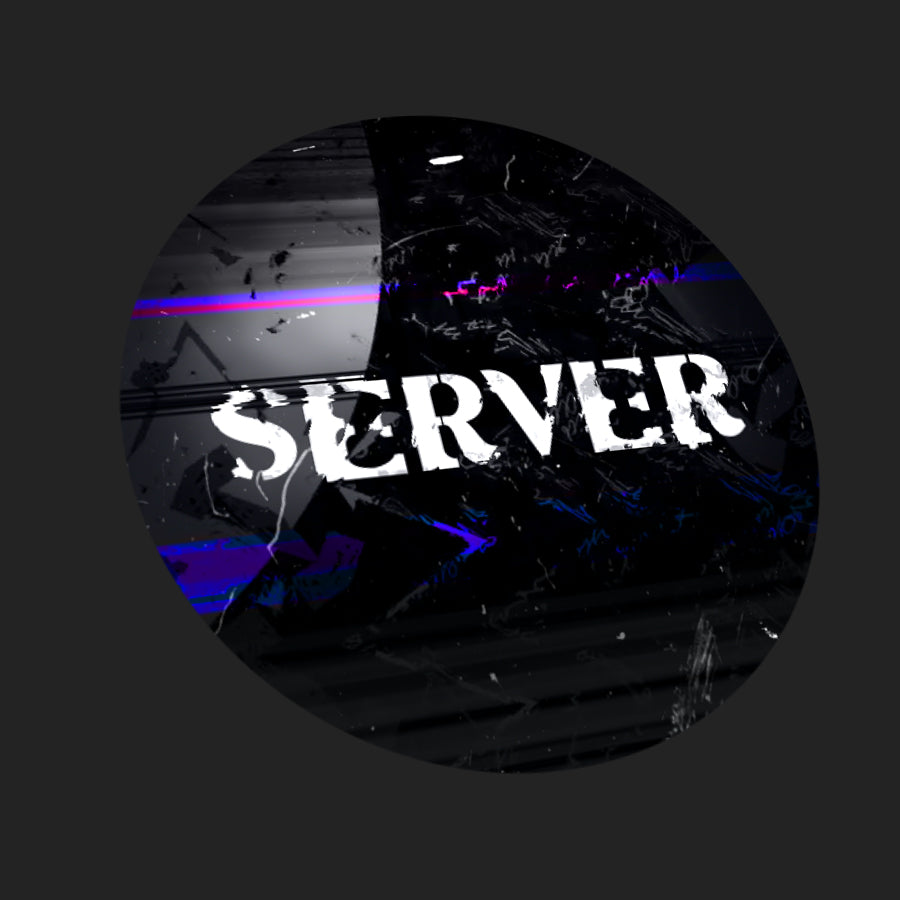
We Make Your Server Icon
